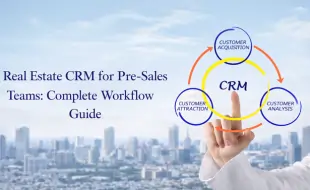
Real Estate CRM for Pre-Sales Teams: Complete Workflow Guide

Introduction

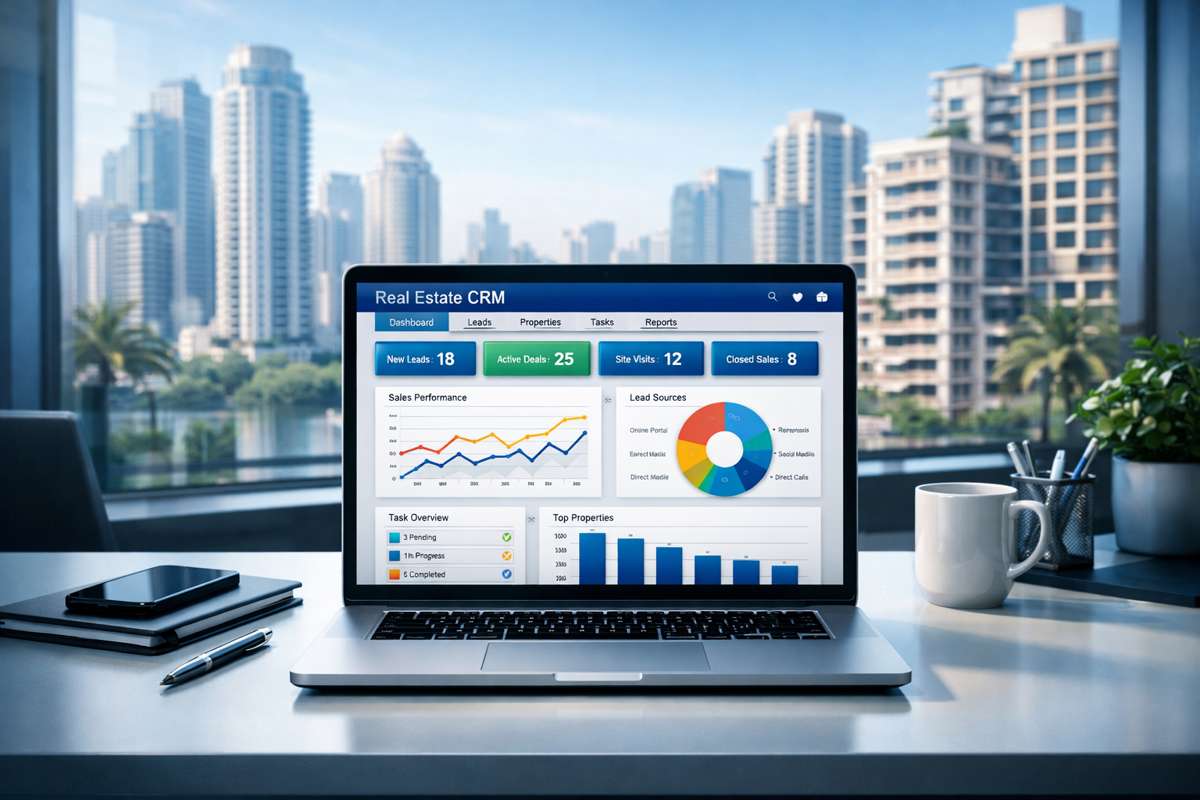
In today’s highly competitive real estate market, pre-sales teams play a crucial role in converting property inquiries into site visits and qualified leads. With buyers expecting instant responses, personalized follow-ups, and seamless communication across multiple channels, managing leads manually is no longer effective.

This is where a Real Estate CRM for pre-sales becomes essential.

A powerful solution like Tranquil CRM helps real estate developers, brokers, and property portals streamline their entire pre-sales workflow—from lead capture to site visit scheduling—ensuring no opportunity is lost.

This complete workflow guide explains how pre-sales teams can use real estate CRM software to improve productivity, response time, and conversions.

What Is a Pre-Sales Team in Real Estate?

A real estate pre-sales team acts as the first point of contact between buyers and the property brand. Their primary responsibility is to manage incoming inquiries, qualify prospects, and prepare leads for the sales team.

Key Responsibilities

  • Handling inbound property leads
  • Calling and responding to inquiries
  • Explaining project details
  • Understanding customer requirements
  • Scheduling site visits
  • Maintaining lead records
  • Coordinating with sales teams
Real Estate Workflow

Complete Pre-Sales Workflow Using Real Estate CRM

Below is a step-by-step workflow explaining how pre-sales teams operate efficiently using CRM software.

Step 1: Lead Capture from Multiple Sources

Real estate leads are generated from various digital and physical channels...

Tranquilcrm automatically captures and centralizes leads from all sources into a single dashboard. Real estate leads are generated from:

  • Property listing portals
  • Website inquiry forms
  • Google Ads and social media ads
  • WhatsApp campaigns
  • Walk-ins and phone calls

Relevant keywords: real estate lead management software, property lead management system

Step 2: Instant Lead Assignment

Speed is critical in real estate sales to ensure high conversion...

With Tranquilcrm, leads are automatically assigned to pre-sales executives based on predefined rules such as round-robin distribution or priority logic. This ensures quick response and accountability.

Step 3: Lead Qualification Process

Pre-sales teams evaluate leads based on specific buyer intent criteria...

Pre-sales teams evaluate leads based on: Budget, Preferred location, Property type, Purchase timeline, and Financing readiness.

Using Tranquilcrm, leads can be categorized into stages such as:

  • New lead
  • Contacted
  • Interested
  • Follow-up required
  • Site visit scheduled

Step 4: Centralized Communication Tracking

Eliminate the challenge of scattered communication across different apps...

Tranquilcrm provides a full view of the customer journey:

  • Automatic call logging
  • WhatsApp conversation tracking
  • Email history storage
  • Complete lead interaction timeline

Step 5: Automated Follow-Up Management

Ensure no potential buyer is ignored with automated reminders...

Real estate conversions depend heavily on consistent follow-ups. Tranquilcrm enables:

  • Automated follow-up reminders
  • Task scheduling
  • Daily follow-up dashboards
  • Missed follow-up alerts

Step 6: Site Visit Scheduling and Tracking

Site visits represent the strongest buying intent in the journey...

With Tranquilcrm, pre-sales teams can:

  • Schedule site visits easily
  • Assign sales executives
  • Send automated visit reminders
  • Track visit outcomes (Completed, Rescheduled, No-show)

Step 7: Lead Transfer to Sales Team

Smooth handover ensures a professional experience for the buyer...

Once a lead is qualified, it is transferred to the sales team with complete visibility of:

  • Lead history & Communication records
  • Customer preferences
  • Site visit notes

Step 8: Performance Tracking and Reports

Get real-time visibility into your entire pre-sales operations...

Tranquilcrm provides data-driven insights:

  • Pre-sales performance reports
  • Call and follow-up metrics
  • Site visit conversion reports
  • Lead source ROI analysis

Why Pre-Sales Teams Need a Real Estate CRM

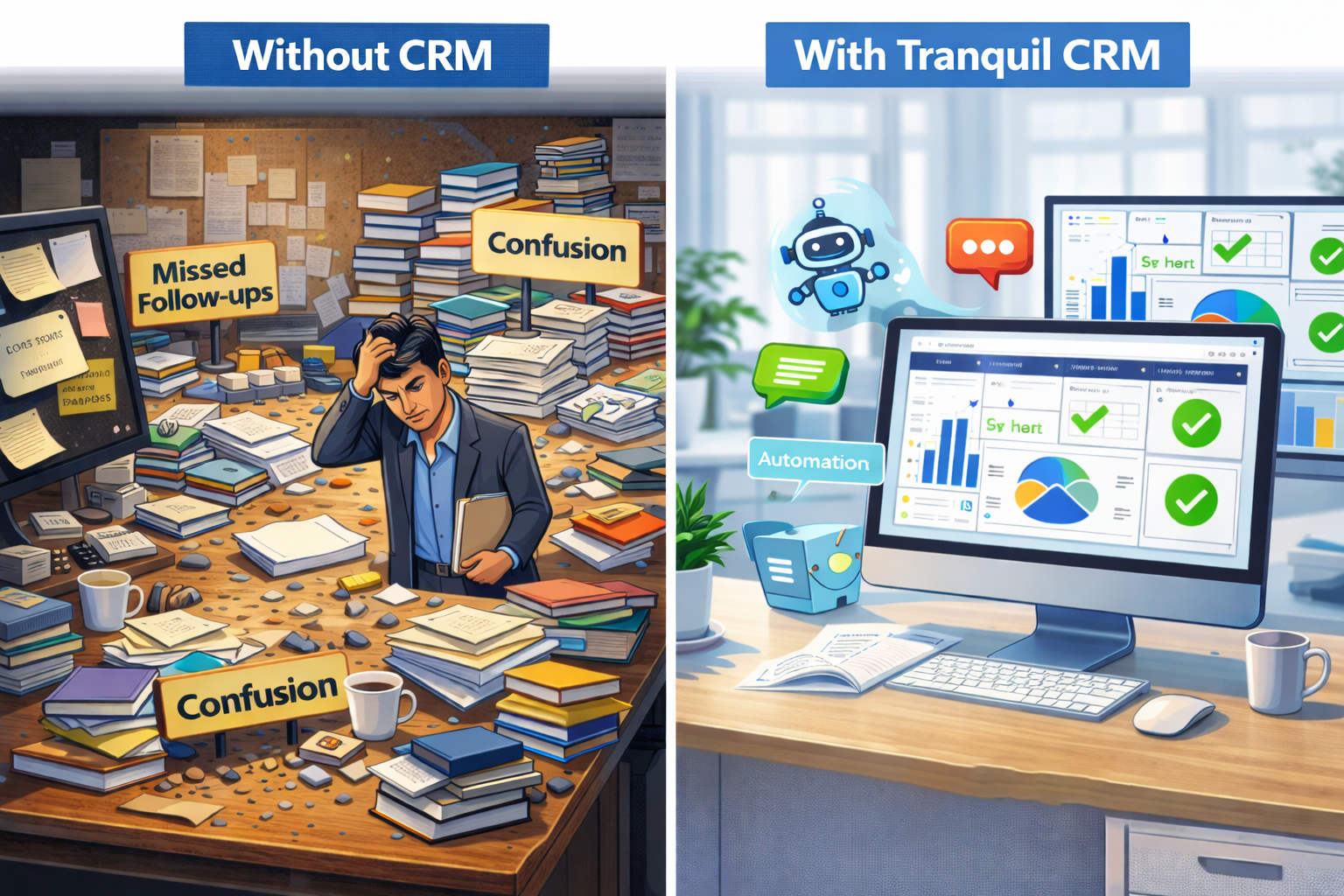
Many real estate businesses still rely on spreadsheets, which leads to poor follow-ups and missed opportunities. A CRM provides a centralized platform for lead management.

Steps to Manage Pre-Sales Workflow Effectively

From lead capture to lead transfer, a structured workflow ensures no opportunity is lost. Automating assignments and follow-ups is key to high conversion.

How to choose the right Pre-Sales CRM tool?

Look for features like WhatsApp integration, automated lead distribution, and real-time site visit tracking dashboards.

Conclusion

Pre-sales teams play a critical role in real estate success. Without a proper system, leads are lost. Tranquil CRM offers a complete, purpose-built solution.

Frequently Asked Questions (FAQs)

1. What is a real estate CRM for pre-sales teams?

A real estate CRM for pre-sales teams helps manage property inquiries, automate follow-ups, qualify leads, and track site visits from a single platform.

2. How does TranquilCRM help pre-sales executives?

TranquilCRM helps pre-sales executives handle leads faster, schedule follow-ups, track calls, manage site visits, and maintain complete customer history.

3. Can TranquilCRM integrate with property portals and ads?

Yes, TranquilCRM supports lead integration from websites, property portals, and digital marketing campaigns.

4. Is TranquilCRM suitable for real estate developers and brokers?

Yes, TranquilCRM is designed for developers, brokerage firms, channel partners, and real estate listing platforms.

5. How does CRM improve real estate lead conversion?

CRM improves conversion by ensuring instant lead response, consistent follow-ups, better communication tracking, and structured site visit management.

whatsApp-icon
Tranquil CRM

Help Desk

Welcome to Tranquil CRM
How can I help you? :)
Thank You For Your Inquiry! One of our employees will contact you.
WhatsApp
Popup Image